

How often Qtap checks
Qtap looks at your campaigns every 15 minutes, around the clock. On each pass it works through your active campaigns and checks every member against the campaign’s rule. A member who qualifies gets the push, and the reward if you attached one, within that 15-minute window. You don’t need to be logged in for any of this. A birthday campaign set up in January keeps sending in June.
A campaign is sent to a member only after each step below passes. Any 'no' skips that member until the next check.
Only active campaigns send
Every campaign has a status, shown as a badge on its card and as the tabs across the top of the Campaigns page.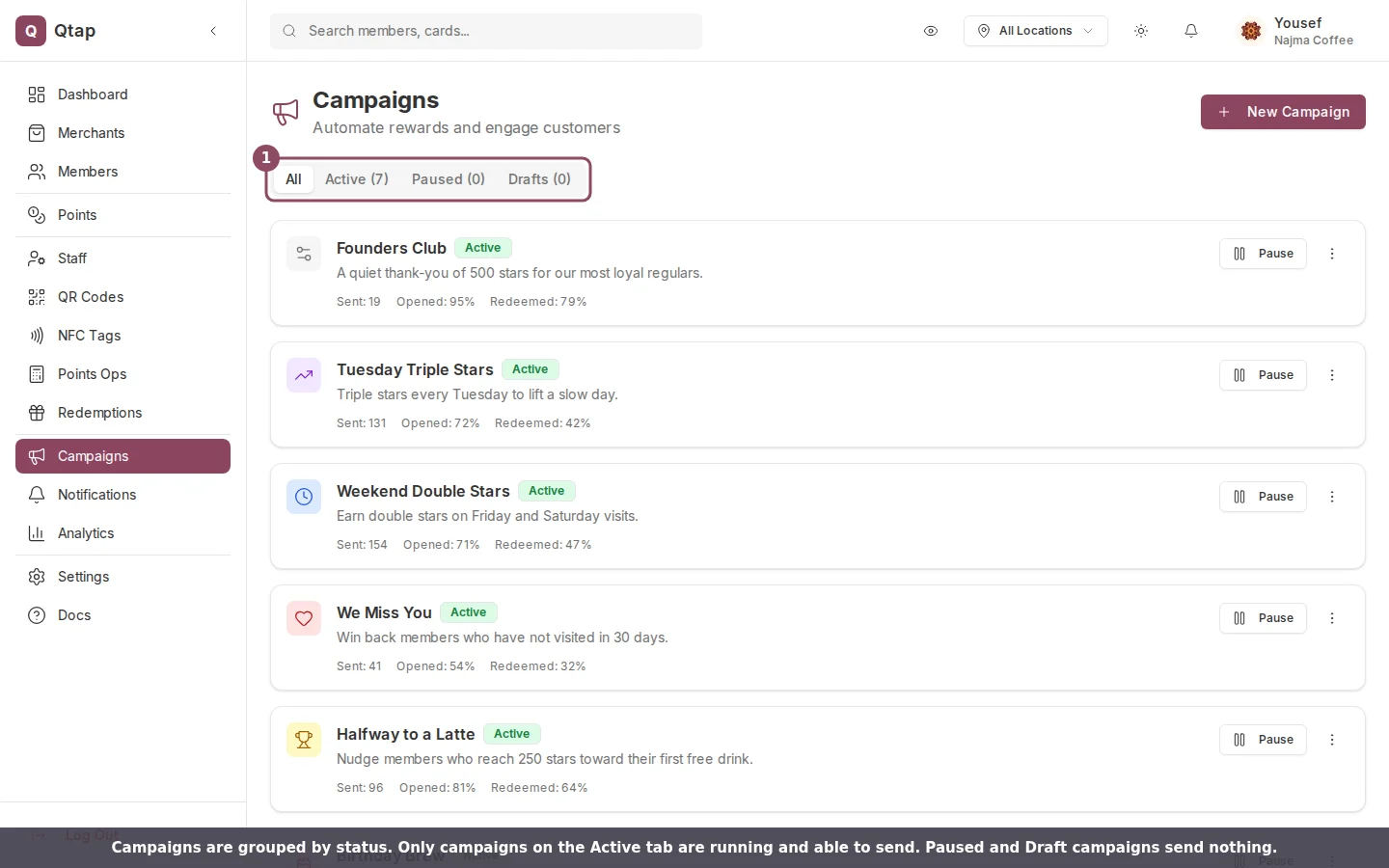
The Campaigns page groups campaigns by status. Only the ones on the Active tab can send.
- Active: running. These are the only campaigns that send.
- Paused: stopped for now. It sends nothing until you resume it.
- Draft: started but never turned on.
- Ended: finished, like a flash sale that reached its limit.
Each member hears it once
A member receives a given campaign one time. If your “We Miss You” win-back reached a customer last week, the 15-minute check won’t send it to them again, even while they stay inactive. This is what keeps Qtap from messaging the same person every quarter hour. Two campaign types bend this rule:- Birthday campaigns come round again. A member who got their birthday message this year gets it again next year, once 365 days have passed.
- Win-back campaigns use the maximum number of sends you set. Once a member has had the campaign that many times, they stop receiving it.

A campaign card shows its status, a Pause button, and how many pushes it has sent.
Why the Sent number can look low
The Sent count on a card is the number of pushes that reached a phone. A member only receives a push if they have the Qtap app installed and push notifications turned on. Members without the app still qualify for the campaign, but there is nothing to deliver to them, so they don’t add to the count. A campaign aimed at 200 members that shows “Sent: 120” usually means the other 80 haven’t turned on push.Start and end dates
If you set a start date, the campaign stays quiet until that date arrives. If you set an end date, it stops sending after the date passes. A campaign with no dates runs from the moment you make it active until you pause or end it.When a campaign stops on its own
Most campaigns run until you pause them. A flash sale is the exception. If you set a redemption limit, Qtap ends it automatically once that limit is reached and moves its status to Ended. To stop any campaign for good, open its menu and choose Delete. That removes the campaign and its history and can’t be undone. If you might want it back later, pause it instead.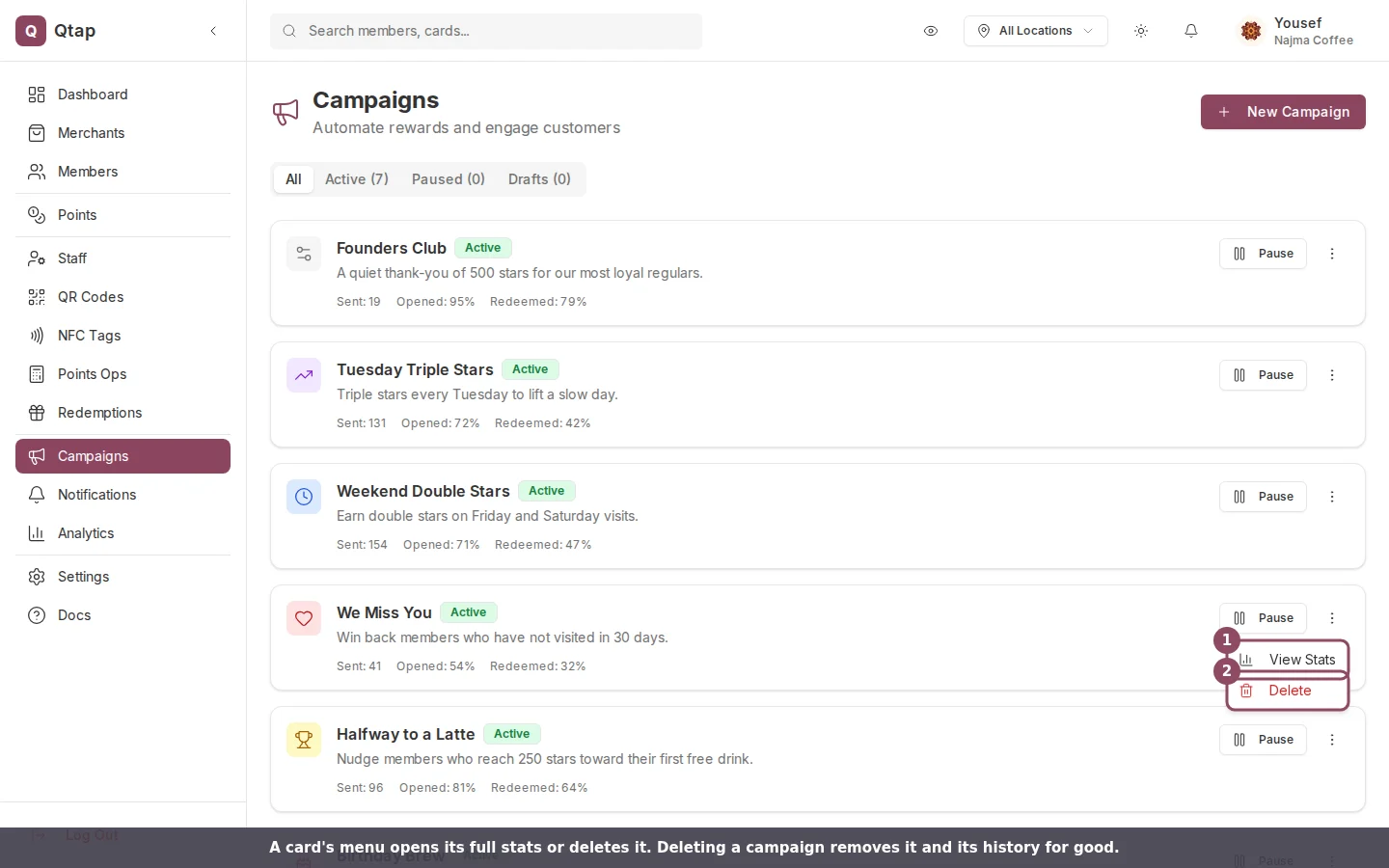
Each card's menu opens its full stats or deletes it for good.
New to campaigns? Start with the Campaigns overview for what each type does, then come back here for how the timing works.