


The Getting Started card: a progress ring, the seven setup tasks, and the path a bonus day takes once a task is done.
Where to find it
Open your dashboard home. The card sits at the top, above your metrics, for as long as you are on your trial or within your first 30 days. Once you finish every task, it disappears. The Quick Actions panel on the right opens the same setup tasks if you would rather start from there.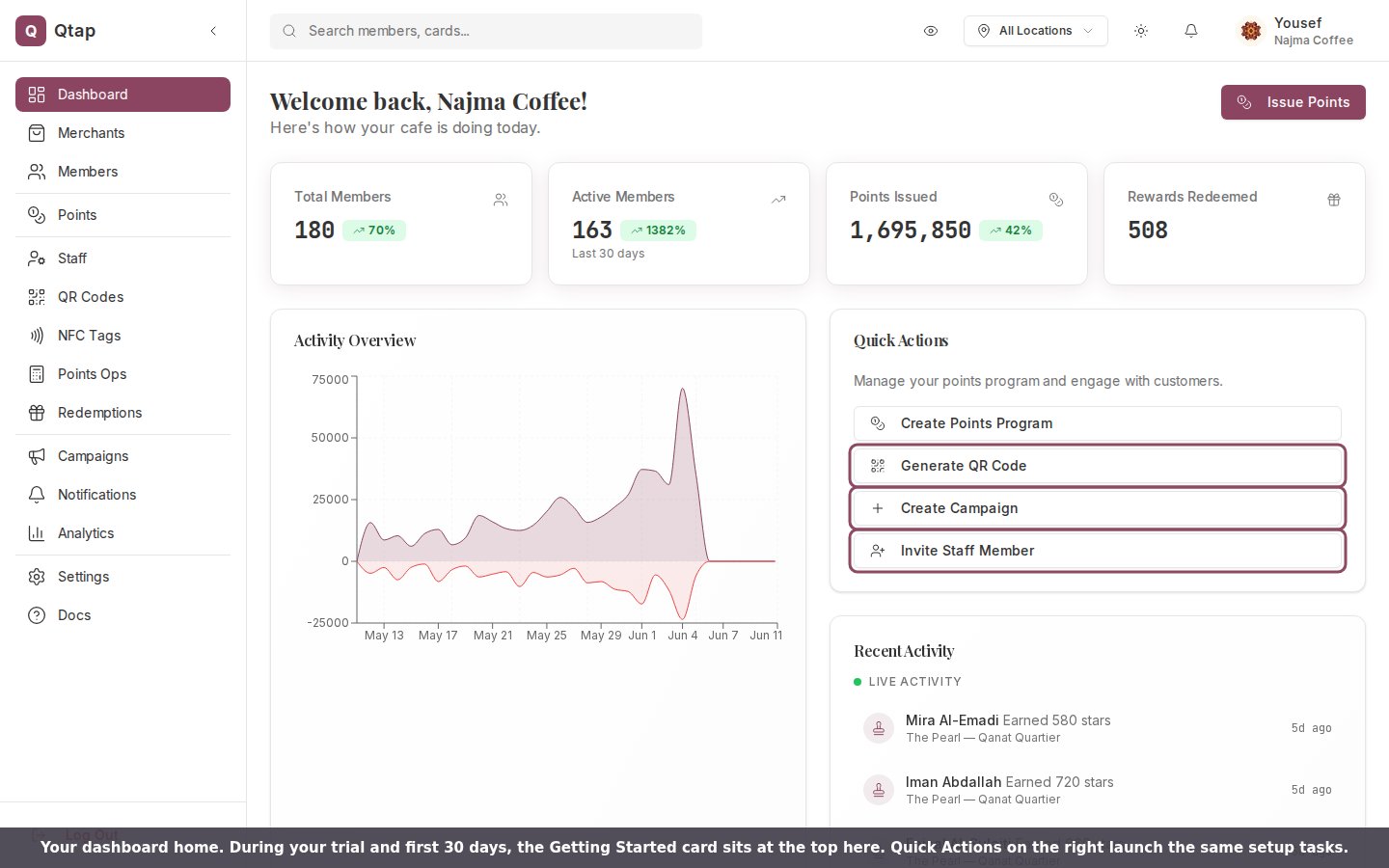
Your dashboard home. The Getting Started card appears at the top during your trial; Quick Actions launch the same setup tasks.
The seven tasks
- Create your account: done during signup.
- Set up your business details: done during onboarding.
- Create your first loyalty card (+1 trial day): opens the card builder.
- Generate a QR code (+1 trial day): opens your QR Codes page.
- Invite a team member (+1 trial day): opens your Staff page.
- Get your first member: no bonus. Completes when a customer joins your program.
- Create a campaign (+1 trial day): opens the campaign builder.
Earning bonus trial days
Four tasks each add one day to your trial. The day is not automatic. Once a task is done, a green Claim +1d button appears on that line. Tap it and the day is added to your trial end date, and the line then reads +1d earned. Each bonus can be claimed once.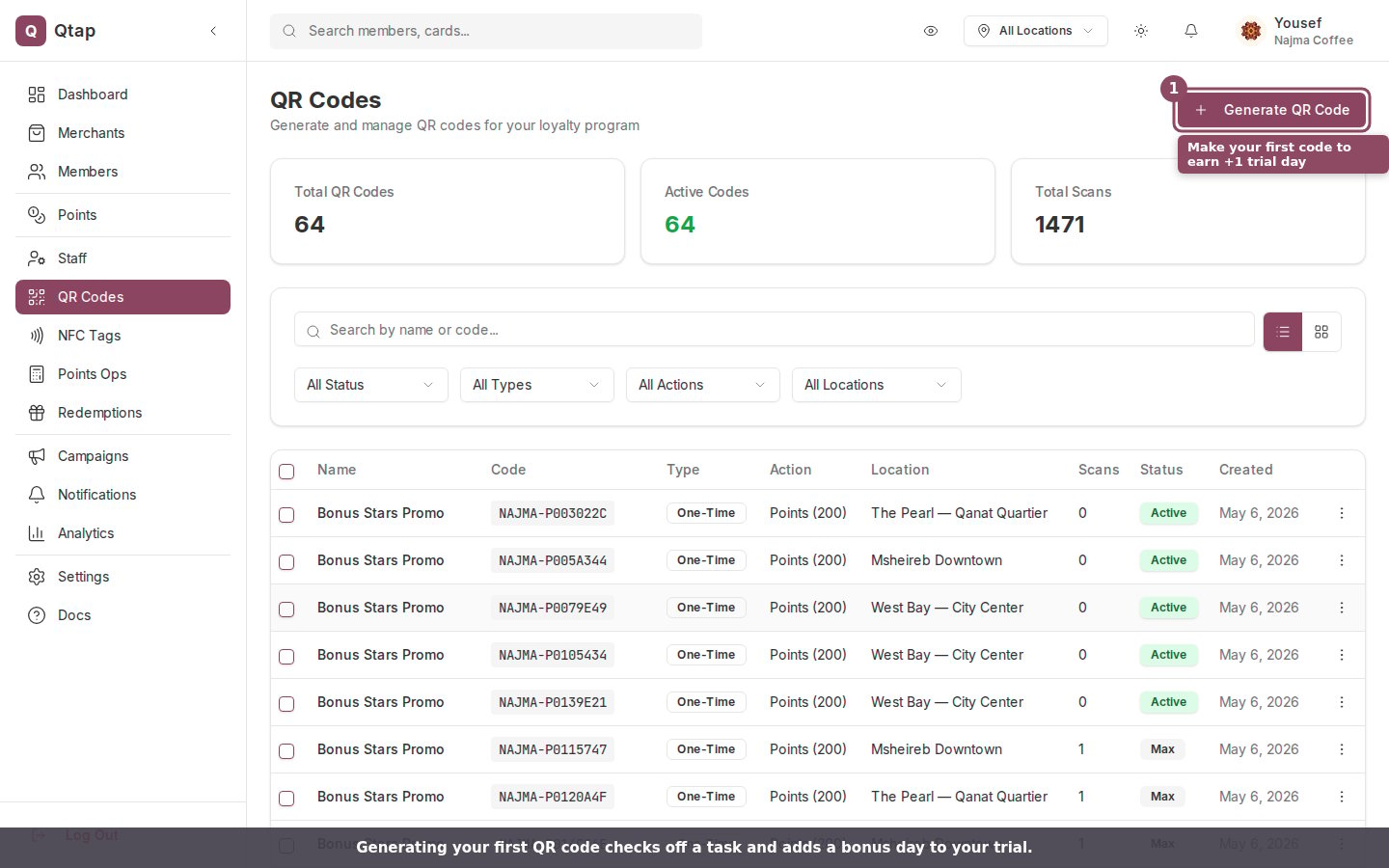
Generating your first QR code checks off a task and earns a bonus trial day.
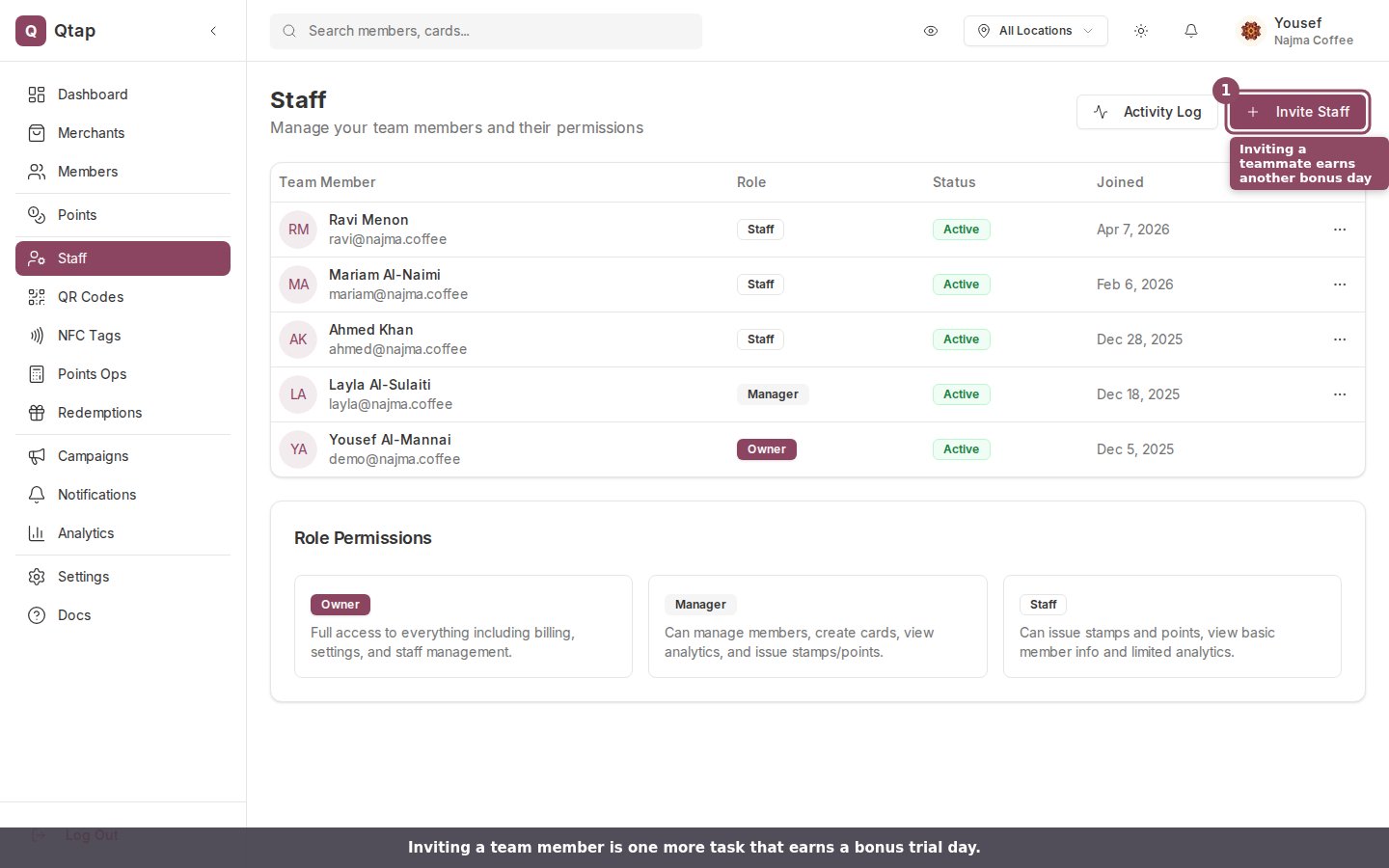
Inviting a team member is another task that earns a bonus trial day.
Invite your team
Add managers and staff, and set what each person can do.
Run your first campaign
Reach your members with a birthday, win-back, or milestone campaign.