

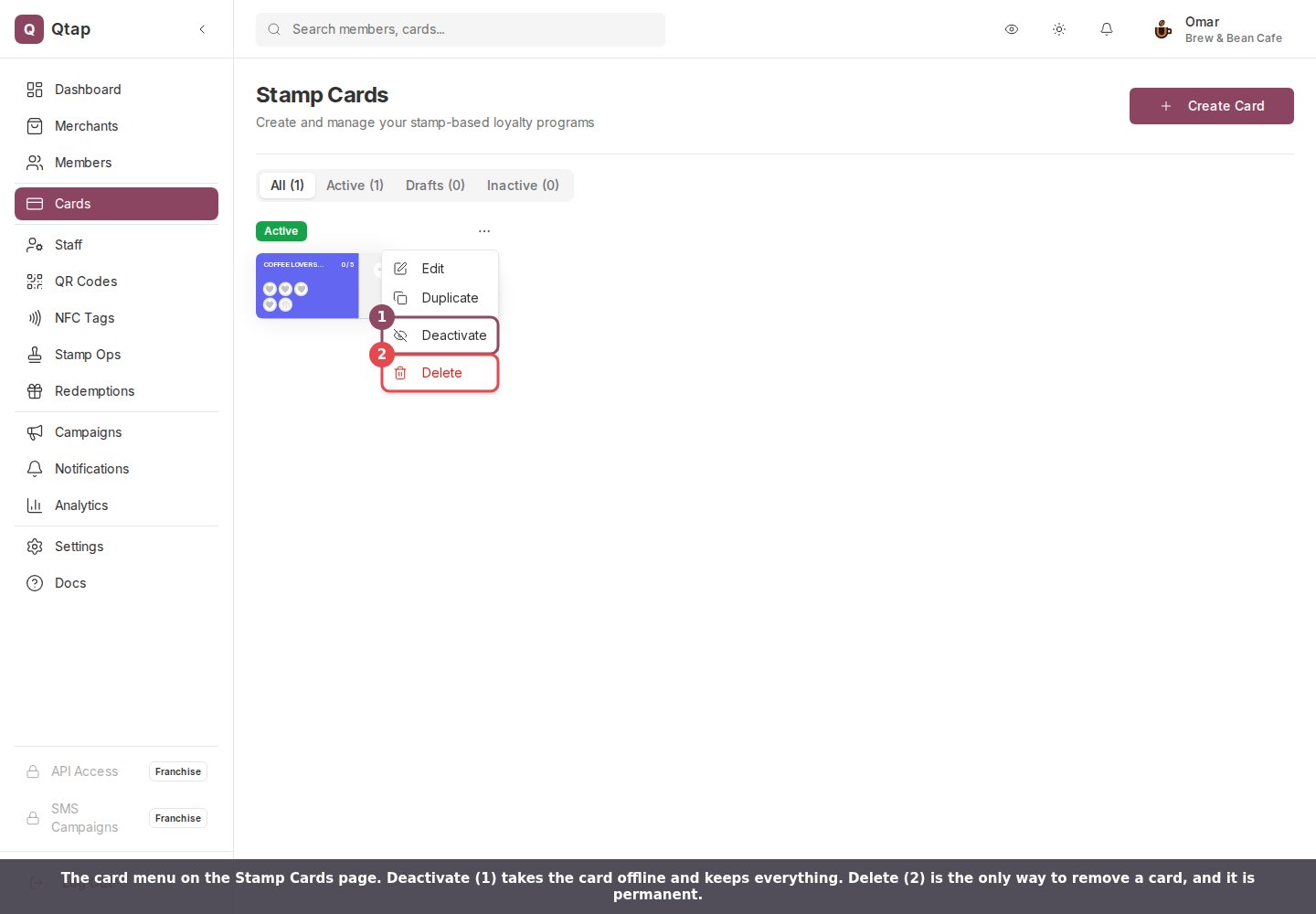
The card menu on the Stamp Cards page. 1: Deactivate. 2: Delete.
Try Deactivate first
Deactivate takes the card offline and leaves every record where it is. Customers stop earning on it, staff see “This stamp card is not currently active” if they try to issue a stamp, and the card drops off your public page. Your settings, rewards, and everyone’s progress stay exactly as they were, and Activate in the same menu puts it all back. A points program behaves the same way. Awarding looks for an active program, so a deactivated one stops collecting points while balances sit untouched. Use Delete only when you want the card gone from your account for good.Deleting a stamp card
These go with the card and cannot be recovered:- Every customer’s progress on it. Someone sitting on eight of ten stamps goes back to nothing.
- Rewards they earned from that card and have not collected yet. A banked free coffee disappears from your Redemptions screen before anyone hands it over.
- The card’s reward list and all of its settings.
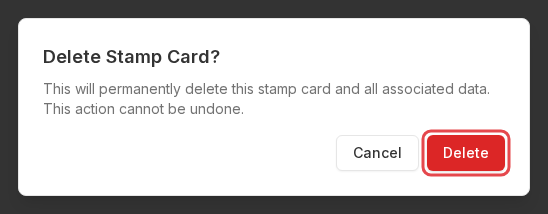
The stamp card confirmation. There is no second prompt after the red button.
Deleting a points program
A points program takes more with it, because the running record of who earned what belongs to the program rather than to your account.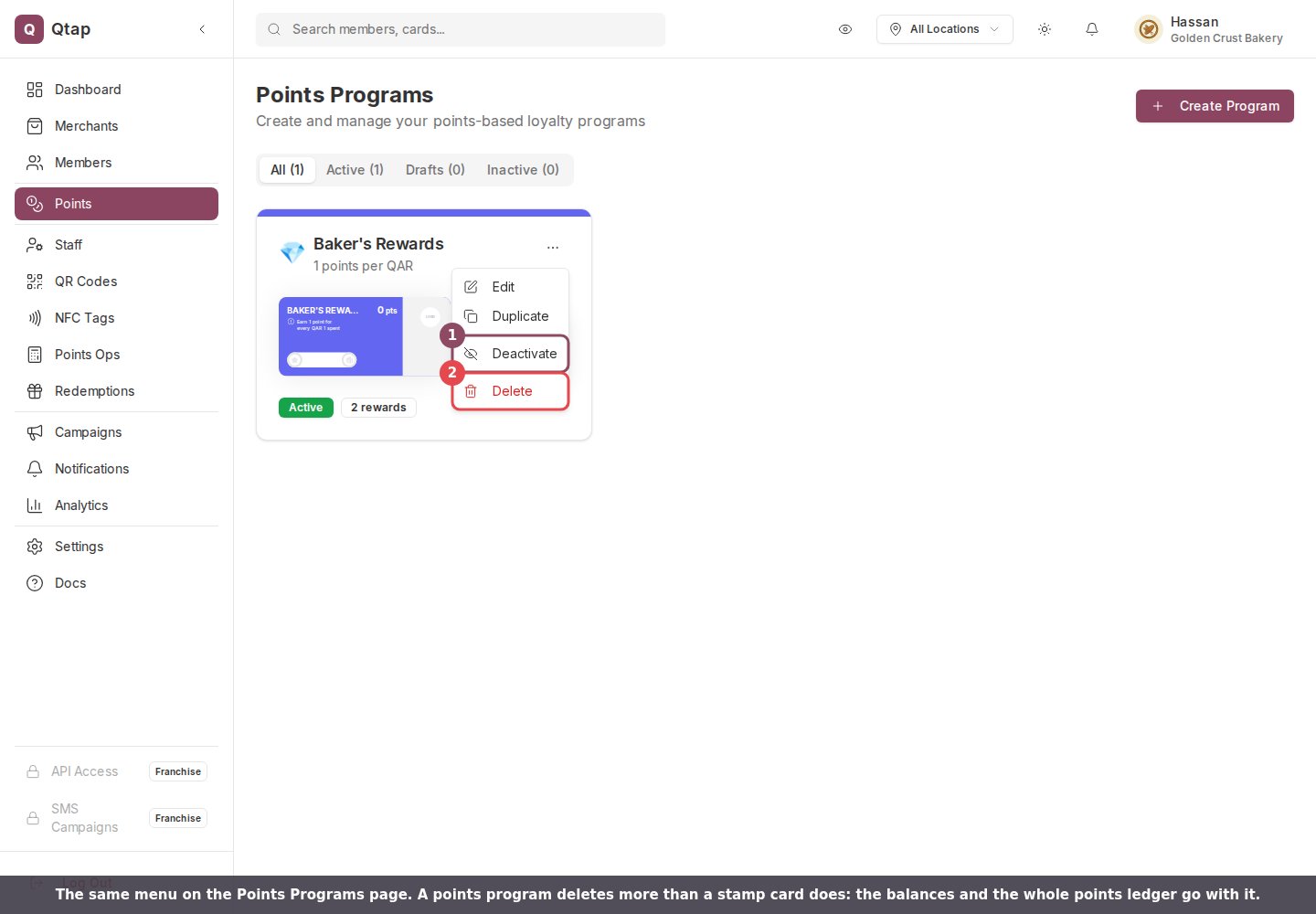
The same menu on the Points Programs page.
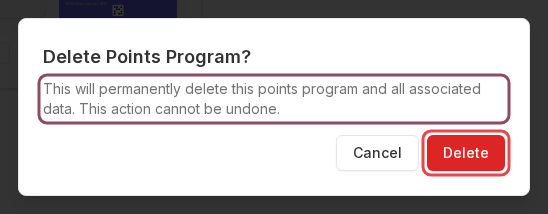
The points confirmation. The wording is identical to the stamp card one, and the consequences are not.

Side by side: what each delete removes and what it leaves behind.
Who can do it
Owners and managers, by default. Managers get edit access to cards and programs when you add them, which is enough to reach the page and the menu. Staff cannot open either page unless you grant it. There is no password prompt and nothing to type out, so anyone who can open the page can delete a live card in three clicks.Editing a stamp card
Change a live card without starting over.
Roles and permissions
Control who reaches the Cards and Points pages.