

Only the account owner can change the plan. If you’re a manager or staff member with billing access, each plan card shows Contact Owner instead of an upgrade button. Ask the owner to make the change.
Open the Plans tab
Go to Settings, open Billing, then select the Plans tab. All four plans sit side by side: Starter, Growth, Elite, and Franchise. Your current plan is outlined and its button reads Current Plan. Plans above yours show Upgrade; plans below show Downgrade.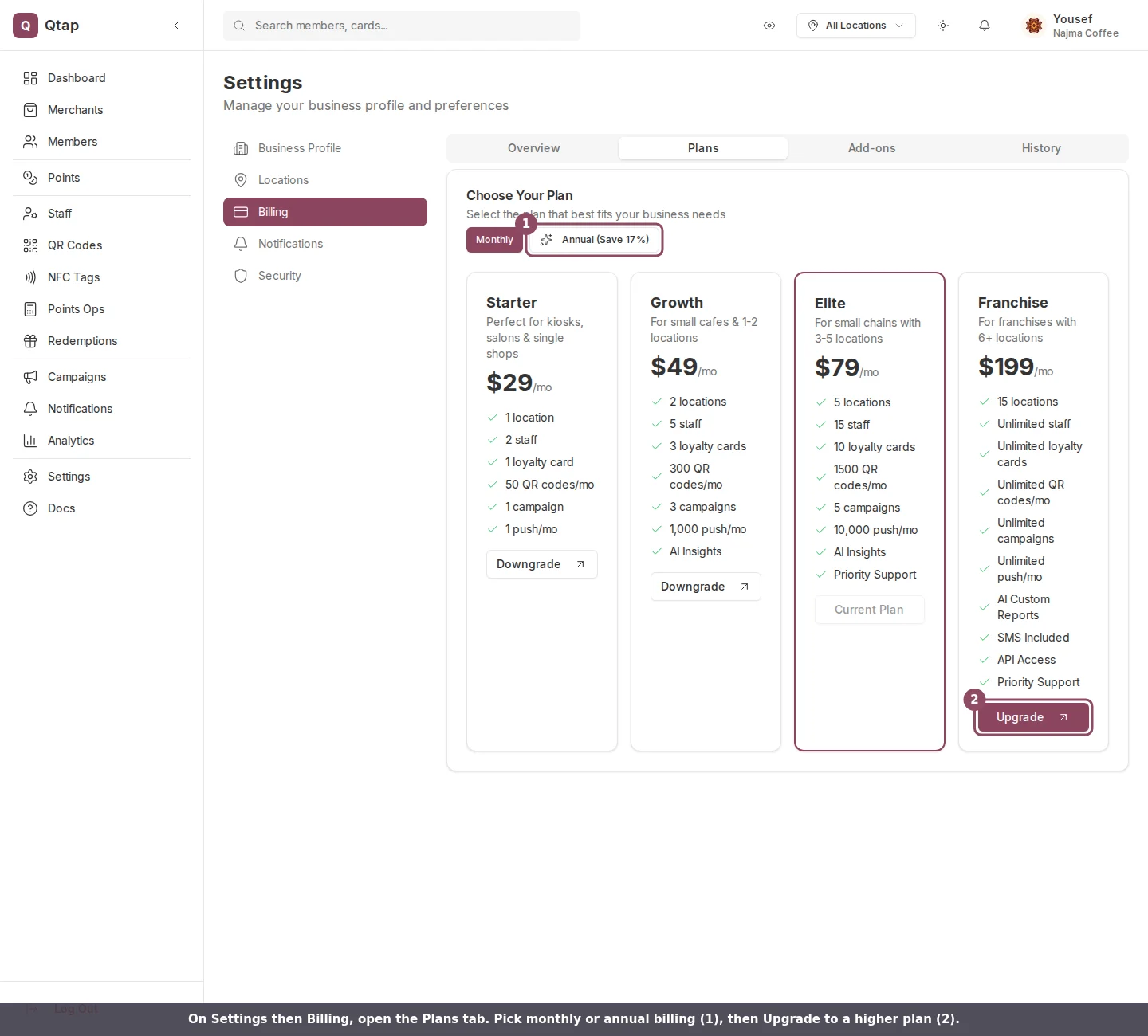
The Plans tab. Your current plan is outlined; higher plans show an Upgrade button.
Pick monthly or annual
Use the Monthly / Annual toggle above the plan cards. Annual billing lowers the monthly rate on every plan and is charged once for twelve months, not as twelve separate monthly payments.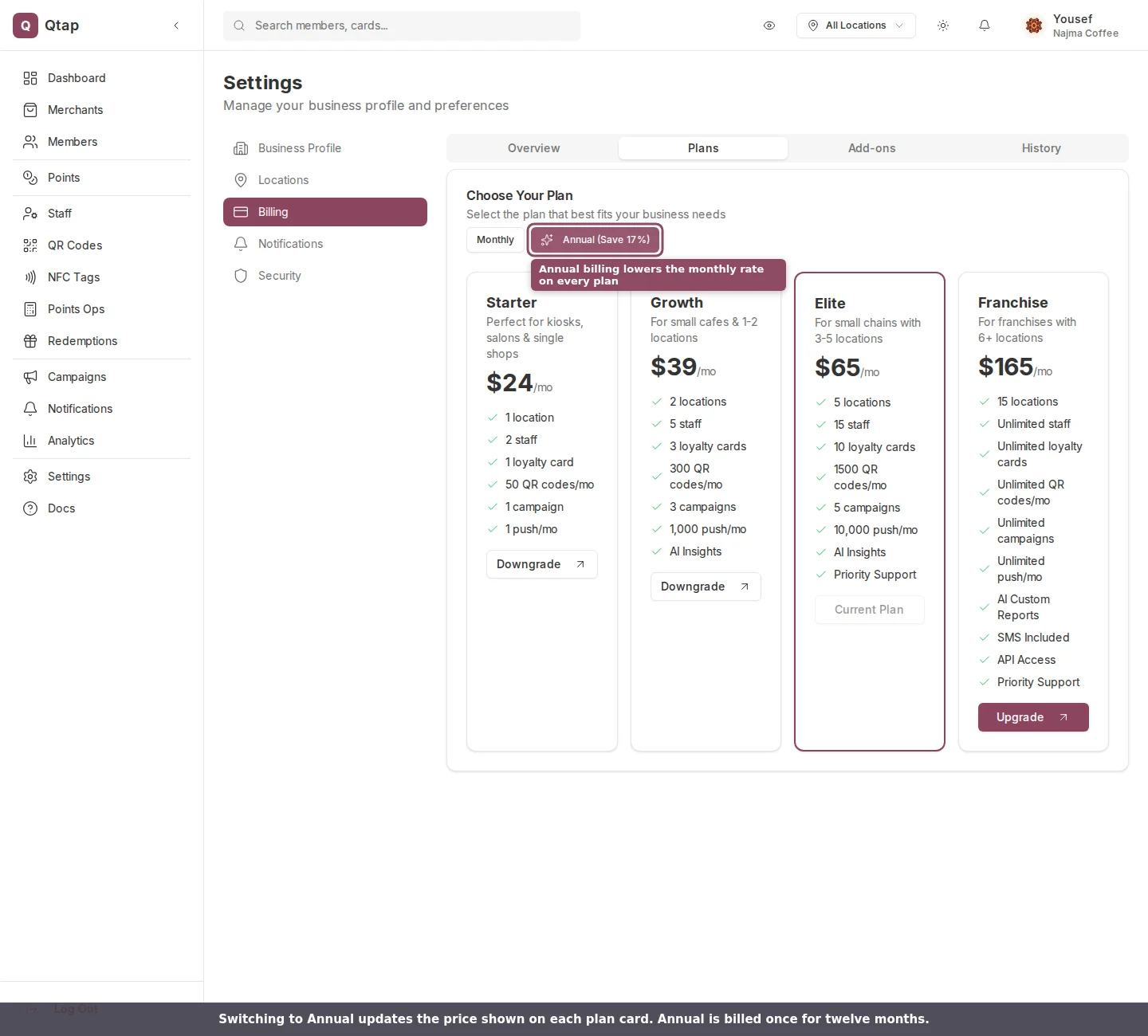
Switching to Annual updates the price shown on every plan card.
Confirm the upgrade
Click Upgrade on the plan you want. A confirmation box shows the plan you’re moving to and the price for your chosen billing interval. Confirm with Proceed to Checkout.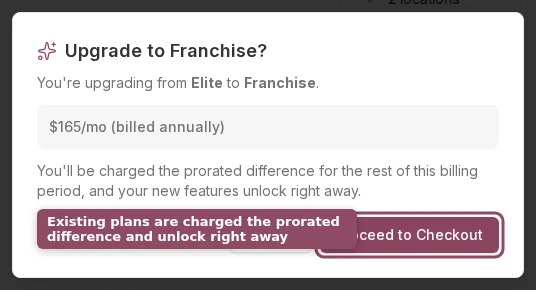
The upgrade confirmation, showing the new plan, the price, and how you'll be charged.
- If you already have an active paid plan, the change applies immediately. Stripe charges the prorated difference for the rest of your current billing period to the card on file, and your new limits unlock right away.
- If you’re subscribing for the first time, for example from a trial with no card saved yet, you go to Stripe’s secure checkout page to enter your payment details before the plan starts.
During a free trial, confirming an upgrade ends the trial and starts billing immediately.
Good to know
Upgrades are immediate. Downgrades work differently: Qtap checks your current usage against the lower plan’s limits first, and the change is scheduled for the end of your billing period rather than applied at once. See the Billing page for how downgrades and cancellations work.Billing
View your plan, usage, invoices, and payment method
Locations
Add the extra locations a higher plan unlocks
Staff
Invite the extra team members your new plan allows