

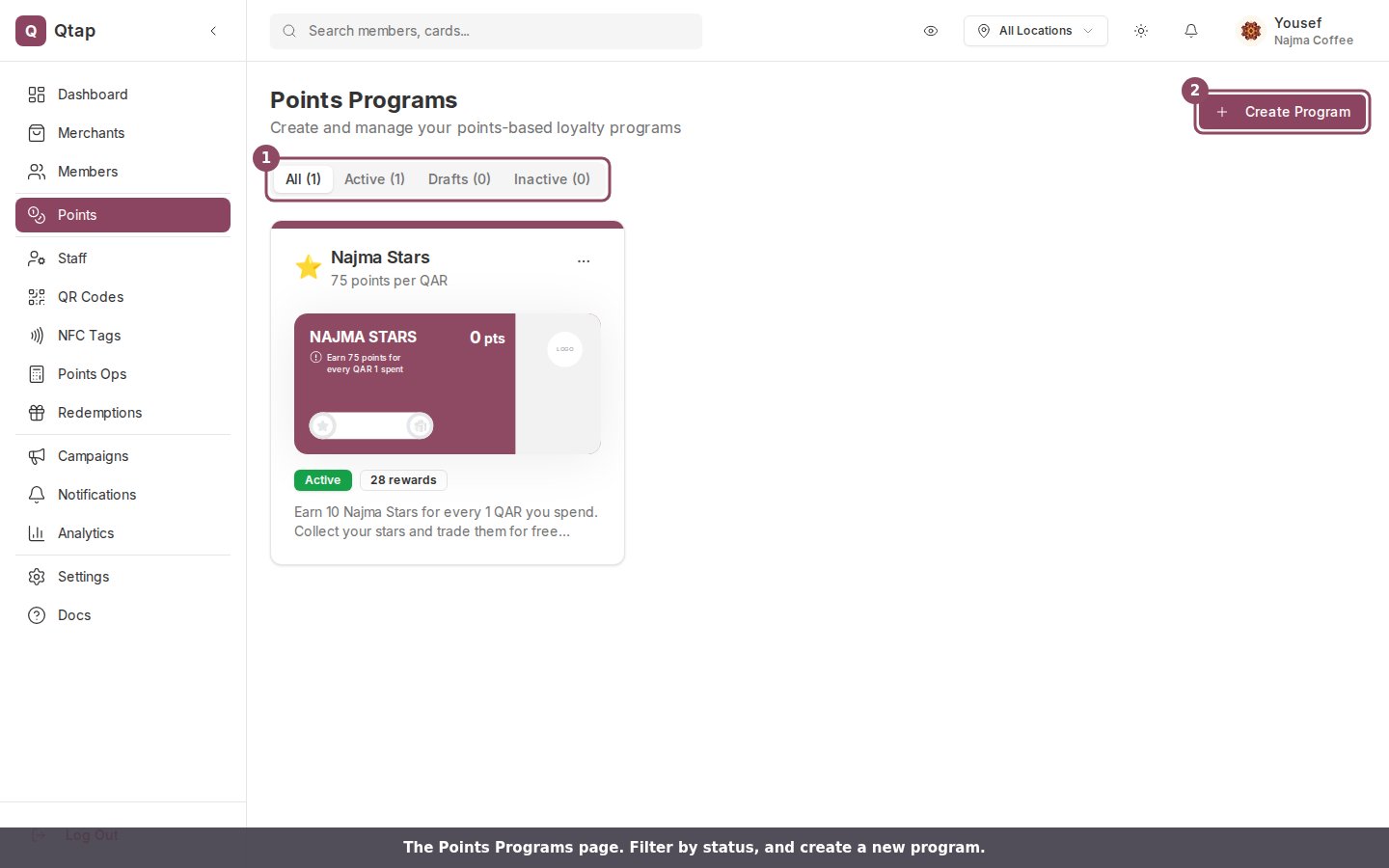
The Points page lists each program with its status. Use the tabs to filter, or Create Program to add one.
How points programs work
When a customer makes a purchase, staff record the transaction amount in the Qtap app. The customer earns points based on your Points per currency setting. For example, if you set 1 point per 1 QAR and a customer spends 50 QAR, they earn 50 points. When a customer’s balance reaches a reward threshold you’ve set, they receive the reward automatically and can redeem it on their next visit.What you can configure
Program details- Program Name — shown to members in the app
- Description — a short line displayed on the card
- Points per currency — how many points a member earns per one unit of your currency. Defaults to 1.
- Currency — the currency your program is denominated in. Defaults to QAR.
- Card Icon — an emoji shown on the points card
- Card Color — the background color of the card
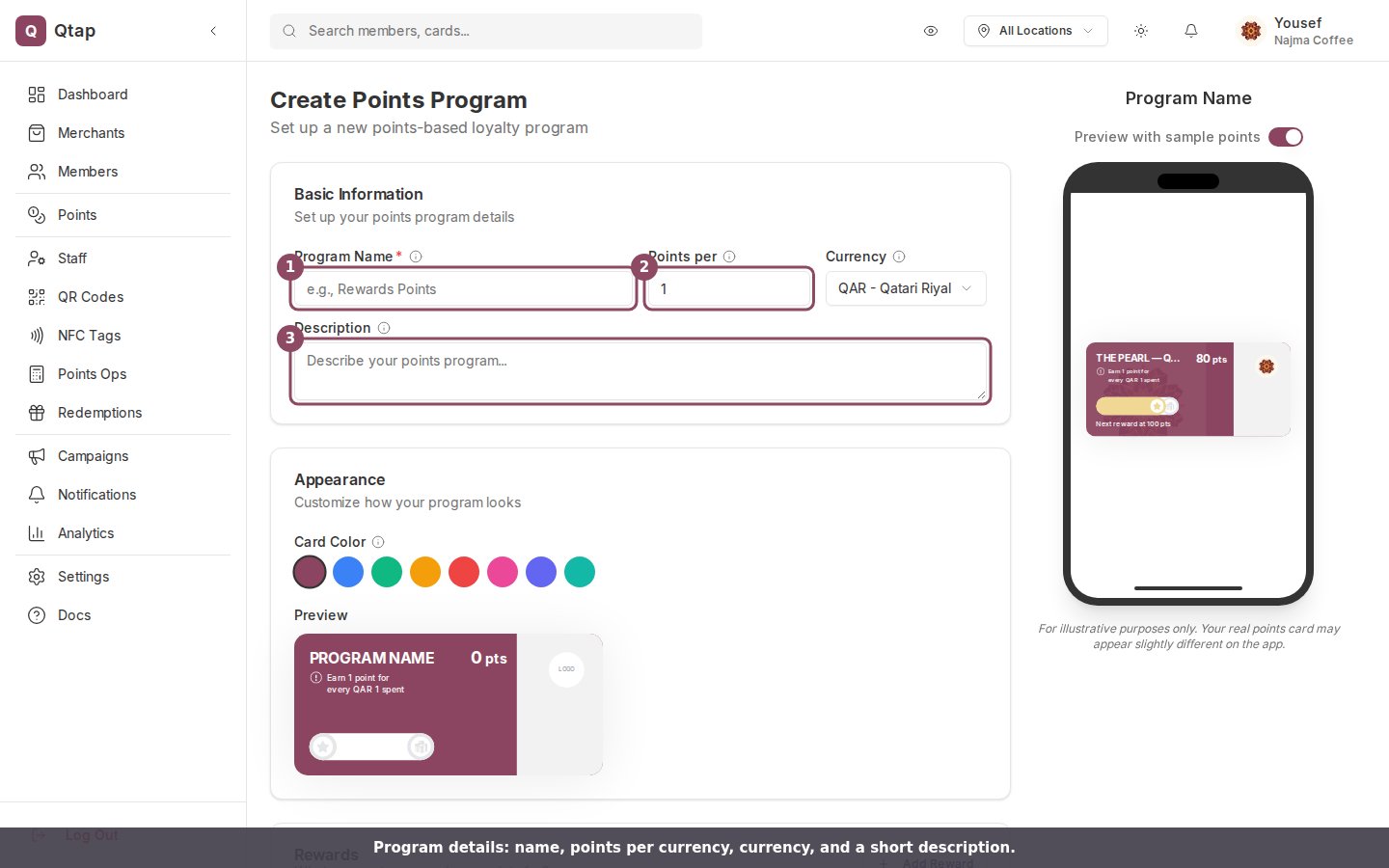
The program details: name, points per currency, currency, description, card color, and a live preview of how the card looks in the app.
- From earn date — points expire a set number of days after they are earned
- From last activity — the clock resets every time the customer earns new points
- Calendar year — points expire at the end of each calendar year
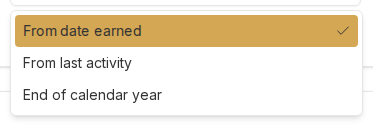
The three expiry types: from the date points are earned, from the member's last activity, or at the end of the calendar year.
Program statuses
- Draft — saved but not visible to members yet
- Active — live and available for members to join
- Inactive — no longer accepting new members or points transactions
Points programs and stamp cards share the same plan limit for loyalty cards. Your total number of active programs (stamps and points combined) cannot exceed your plan’s loyalty card limit.
Creating a Points Program
Step-by-step guide to setting up your first points program.
Points Operations
How staff issue points and process redemptions.