

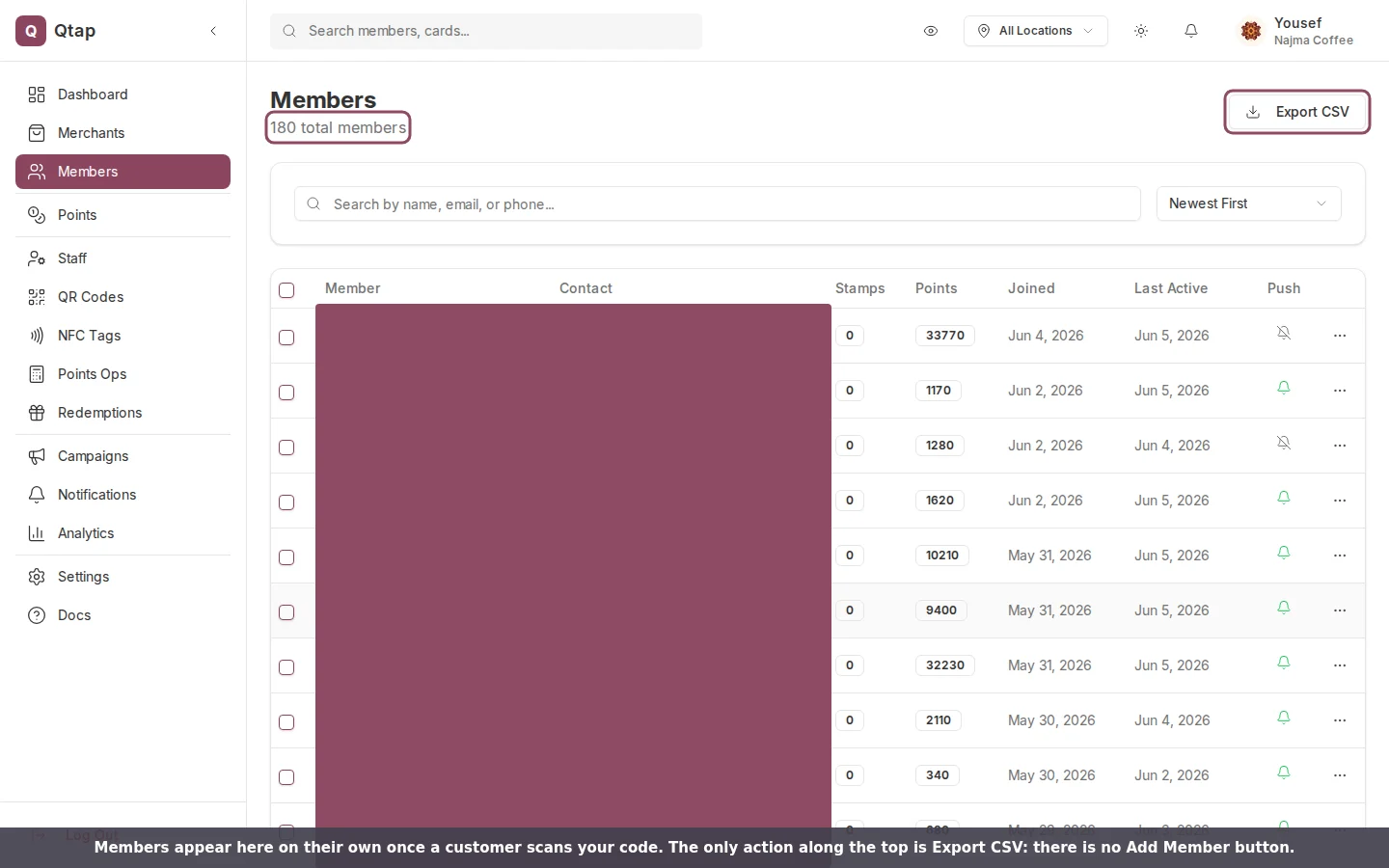
The Members page on the Najma Coffee demo account. The Joined column shows when each person first scanned. The only action along the top is Export CSV. Member names and contact details are covered here for privacy.
There is no Add Member button
The top of the Members page has one action, Export CSV. Each row has a menu with View Profile, Send Notification, Add Tag, and Delete Member. None of them creates a customer. You manage the people who have already joined; you don’t enter them.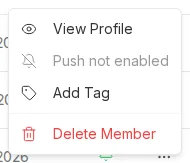
A member's row menu. Every option here manages an existing member. There is no option to create one.
A member joins on their first scan
When a customer scans your QR code or taps your tag in the Qtap app, Qtap checks whether they already belong to your program. If they don’t, it creates their member record right then, sets their join date, and adds them to your list. The same scan also gives them the stamp or points they earned, so their first visit counts.
How a customer becomes a member.
A camera scan opens your join page
Someone can point a plain phone camera at your QR code without the Qtap app. That opens a join page for your business, where a phone number is enough to become a member, and that first scan still credits the stamp or the points. They join without ever proving the number, so Qtap marks them No app yet. The rewards they earn stay hidden from them until they install the app, but your staff can find and redeem those rewards right away through Look Up Customer on the Redemptions page. See Joined without the app for what that changes at the counter.What you do instead
Your job is to put the codes where customers can reach them. Print your QR codes and place your NFC tags, then let the list grow.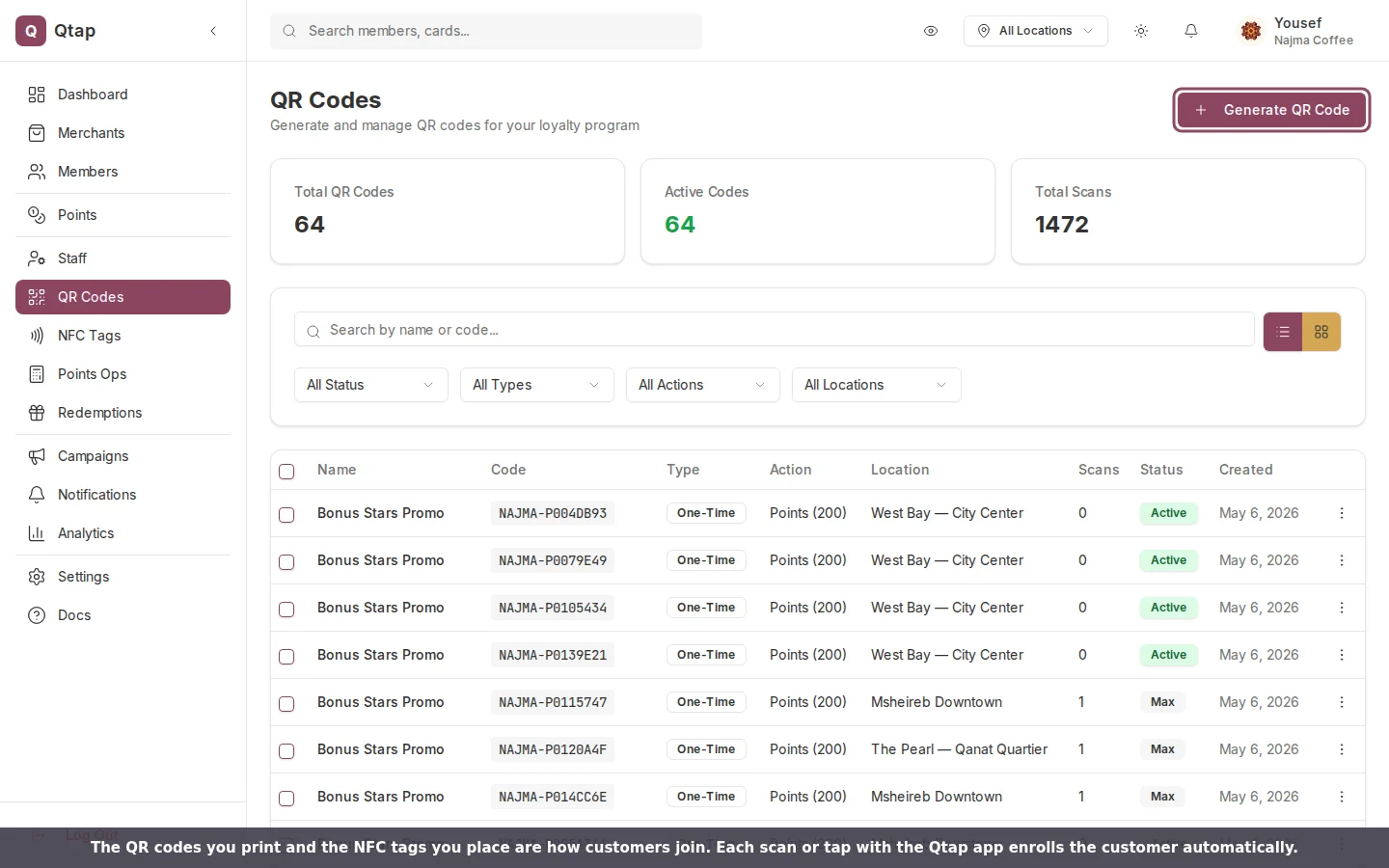
Your QR codes and NFC tags are the way customers join. Generate codes from the QR Codes page and place tags from NFC Tags.
1
2
Put them in front of customers
Print the QR code for the counter or a table, or stick the NFC tag where people can tap it.
3
Watch the list grow
Each new customer who scans with the app appears on the Members page, with their join date and balance already filled in.
Owners and managers can open and export the Members list. Staff accounts can serve customers but do not see the export control.