

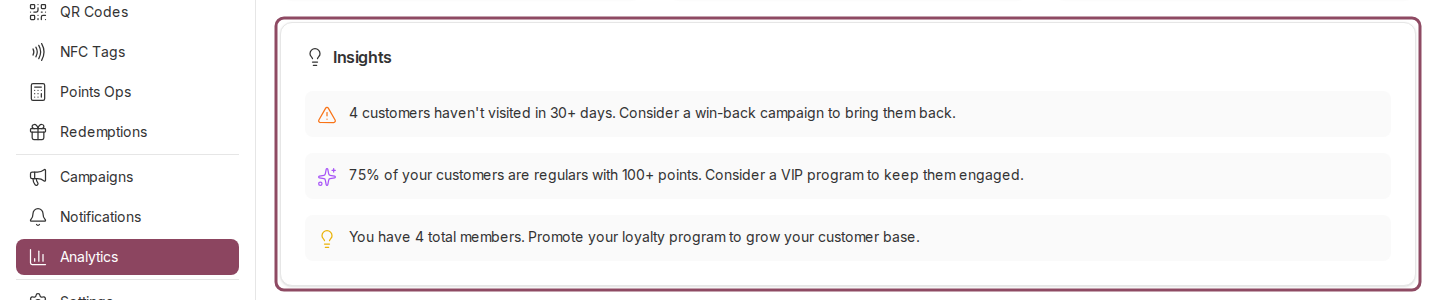
Insights sits between the charts and the Churn Risk list.
What each line is counting
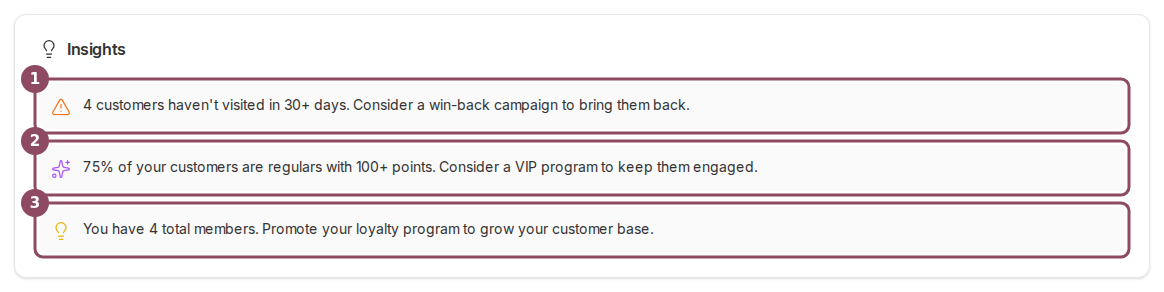
The three observations, on a bakery running a points program.
- Customers who have gone quiet. The orange triangle counts members whose last recorded visit was more than 30 days ago. It appears only when at least one member is that quiet, and it points you at a win-back campaign.
- How many of your customers are regulars. The purple line is the share of your members who have earned 5 or more stamps, or 100 or more points, over their whole history with you. It appears only when that share is above 10%.
- How many members you have. The yellow line is your total member count, with a nudge to keep promoting the program. It appears as soon as you have one member.
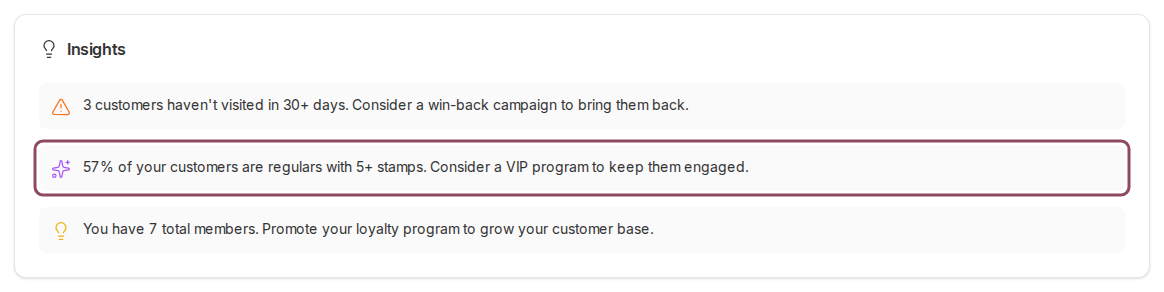
The same card on a cafe running stamp cards, counting stamps instead of points.
What the card ignores
The first line also counts only members who have a visit on record. Someone who joined and never came back at all has no last visit, so they sit outside that count. The Churn Risk list further down picks those members up, because it falls back to the day they joined.When the card is empty
With no members yet, the card reads “Start collecting data to see personalized insights about your loyalty program.” Give a QR code to a few customers and the member count line appears on your next visit to the page.Insights and AI Insights are two different cards
This card is arithmetic. It runs the same three checks in the same order every time,
and the numbers move only when your member list does. AI Insights is a separate
card that writes a fresh read of your data on each run. It belongs to the Elite and
Franchise plans and spends an insight credit every time it runs. On the other plans
it does not appear at all, which is why most accounts see this card and then go
straight to Churn Risk.