

How it works
Qtap checks for new members every 15 minutes. Once the delay you chose has passed since someone joined, they receive your welcome notification. If you attached a reward, it goes into their wallet when they open the message. Each member is greeted once. After Qtap sends the welcome to a member, it never sends that campaign to them again, so nobody gets a second welcome. The campaign only greets people who join while it is active. Turning it on does not message the members you already have, so it stays focused on genuinely new sign-ups.Setting up a welcome campaign
Go to Campaigns in the left sidebar and click New Campaign. The wizard has seven steps.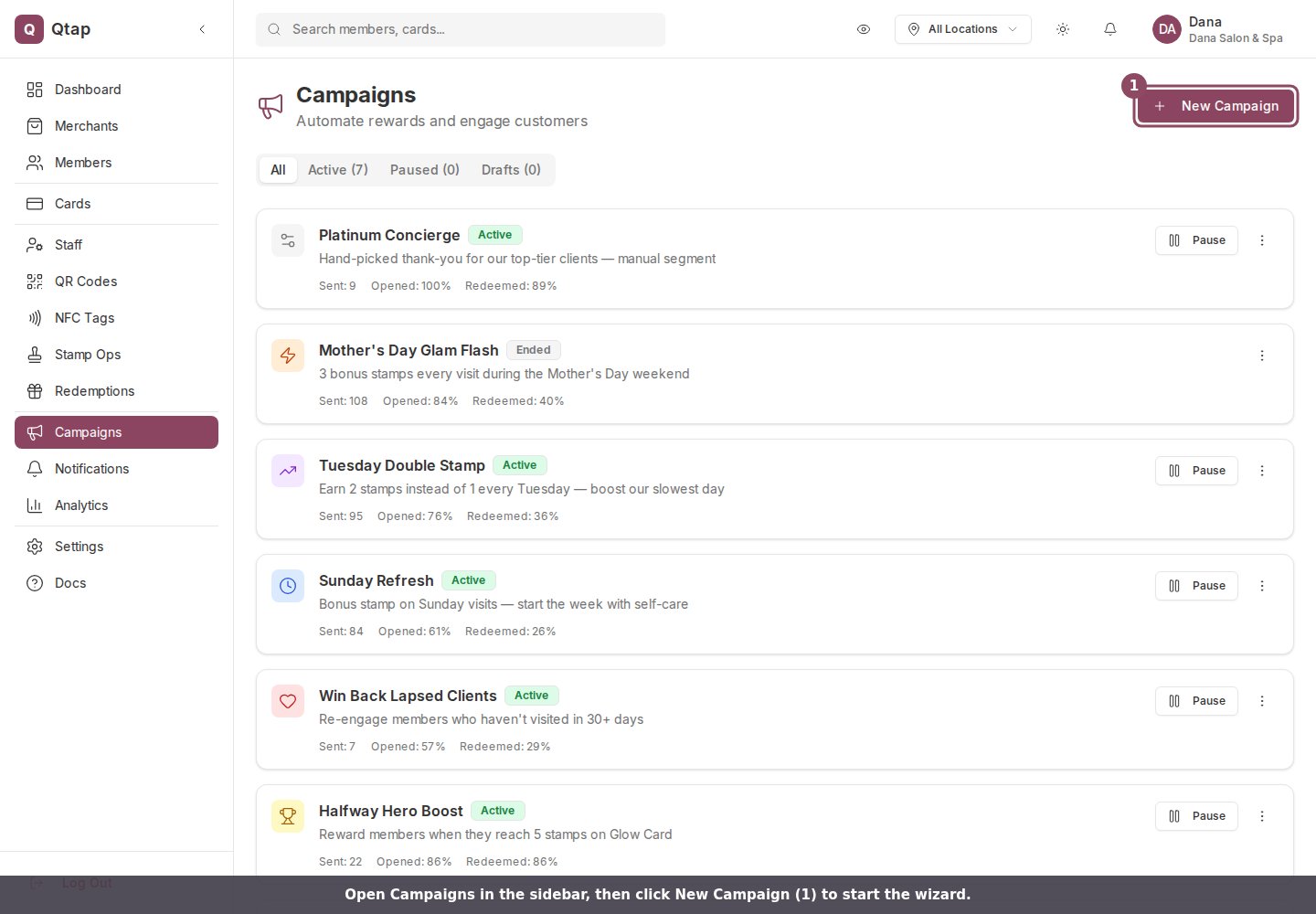
The Campaigns page. Click New Campaign in the top right to open the wizard.
Managing the campaign
Once active, the campaign runs automatically in the background. You can pause it from the Campaigns page by opening the three-dot menu on the campaign card and clicking Pause.A welcome notification reaches a member only if they have the Qtap app installed and have allowed push notifications. A member who joined in person but never installed the app will not receive the push, so the Sent count can be lower than the number of new members.
Campaign Rewards
The reward types you can attach and how reward codes are issued.
Birthday Campaigns
Send an automated birthday reward to members each year.