

The four places you get stopped
Loyalty cards. Create Stamp Card and Create Points Program both swap the whole form for a block headed Loyalty Card Limit Reached, with an Upgrade Plan button. It counts your active stamp cards and active points programs added together, so a salon running one of each uses two. Campaigns. New Campaign swaps the wizard for the same kind of block.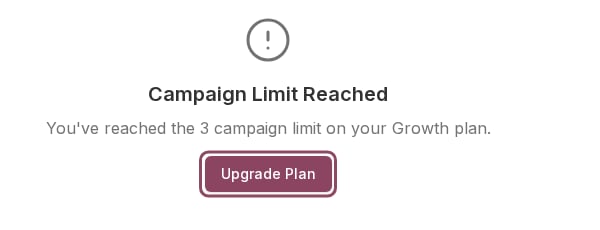
The New Campaign page on a Growth account that already has three active campaigns. Upgrade Plan takes you straight to Settings > Billing.
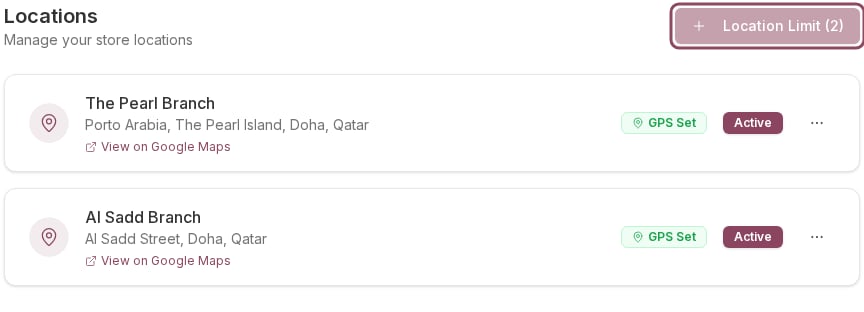
Golden Crust is on Growth with both of its branches active, so the button reads Location Limit (2) and will not open.
What each wall counts
Growth allows 2 branches, 5 staff, 3 loyalty cards and 3 campaigns. Plans compared has the numbers for every tier.
A full Campaigns meter does not always stop you
The Campaigns meter on Settings > Billing counts every campaign you have ever saved, including drafts, paused ones and public offers. The wall on New Campaign counts only the active ones. So the meter can sit in red while the wizard still opens.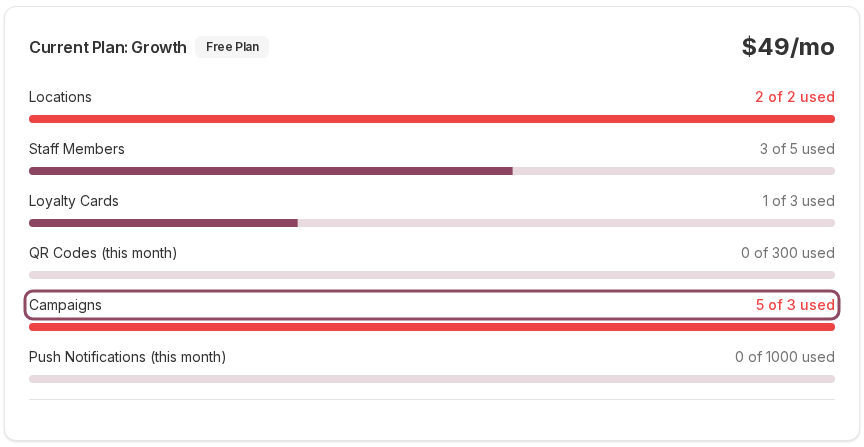
Golden Crust has five campaigns saved, so the Campaigns meter reads 5 of 3 used in red.
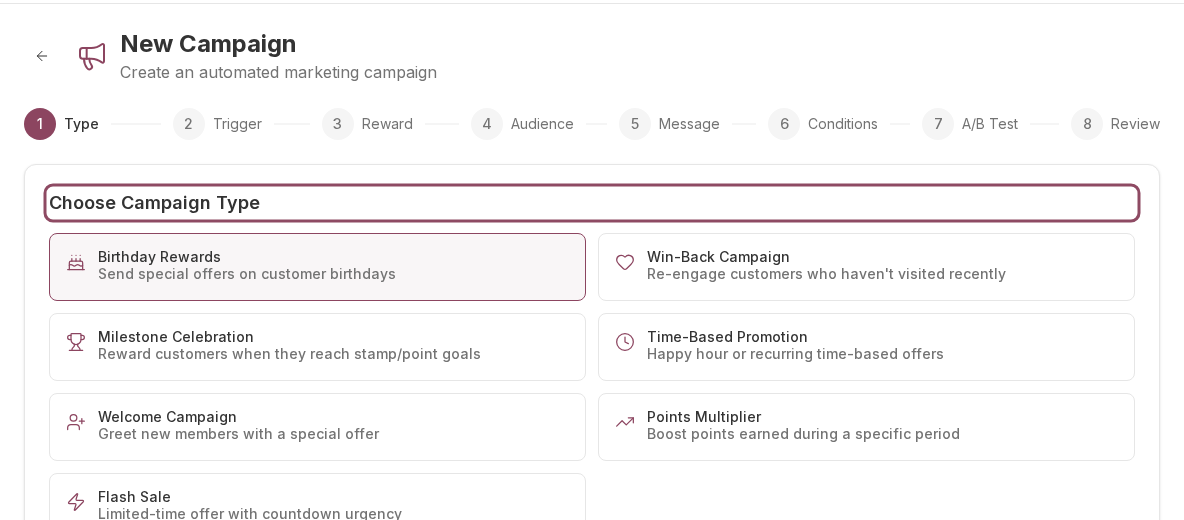
Three of those five are a draft, a paused campaign and a paused offer, so only two are active and New Campaign opens normally.
Brew and Bean's Campaigns page is empty.
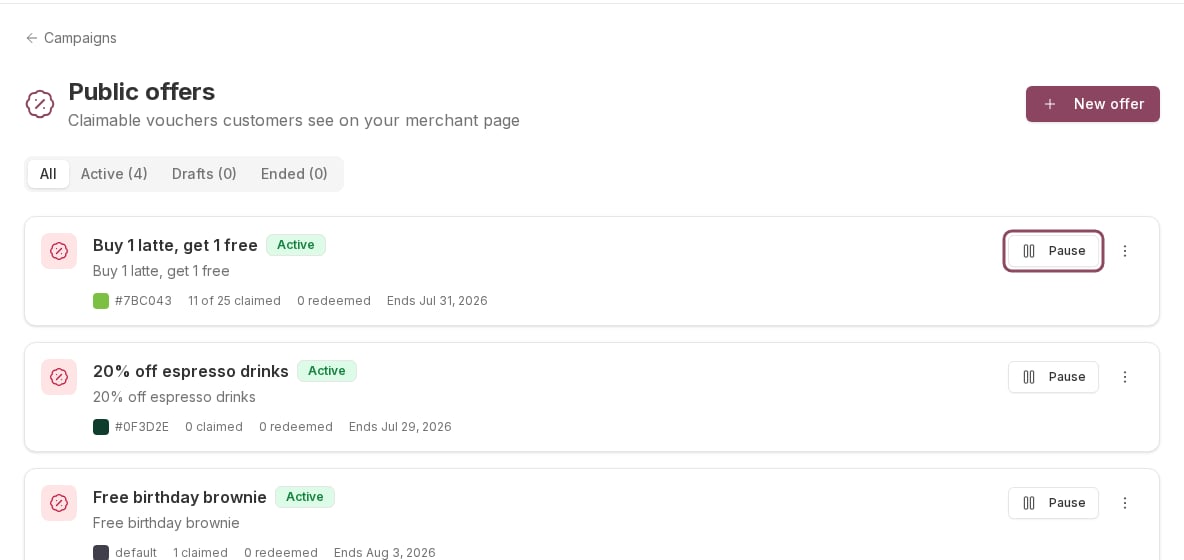
The same account's Public offers page: four active offers, which is what fills the three-campaign allowance. Pause one to free a slot.
Freeing up room without paying more
Pausing is almost always better than deleting, because a paused thing keeps its history and you can turn it back on.- A campaign or offer you are not running: press Pause on its row. Paused campaigns do not count toward the wall.
- A loyalty card you have retired: deactivate it from its row menu rather than deleting it. Deleting destroys the balances and history attached to it.
- A branch you have closed: deactivate it on Settings > Locations.
- A staff seat: there is no way to park a teammate. Removing someone deletes their access for good, so free a seat by cancelling an invitation that was never accepted before you remove a real person.
The two meters that never stop you
QR Codes (this month) is enforced when you generate, not with a greyed button, so you get an error at that point instead. Monthly QR quotas covers it. Push Notifications (this month) stays on zero on every account, because nothing adds to it when you send. It is on the Billing page but it will not block a send today.The walls themselves show for anyone who can open those pages, so a manager can run into one. Raising a limit happens on Settings > Billing, which only the account owner can reach, and a non-owner sees Contact Owner in place of the plan buttons.
Usage meters
Read where you stand before you hit a wall.
Upgrading your plan
Raise every limit at once, and what you are charged.